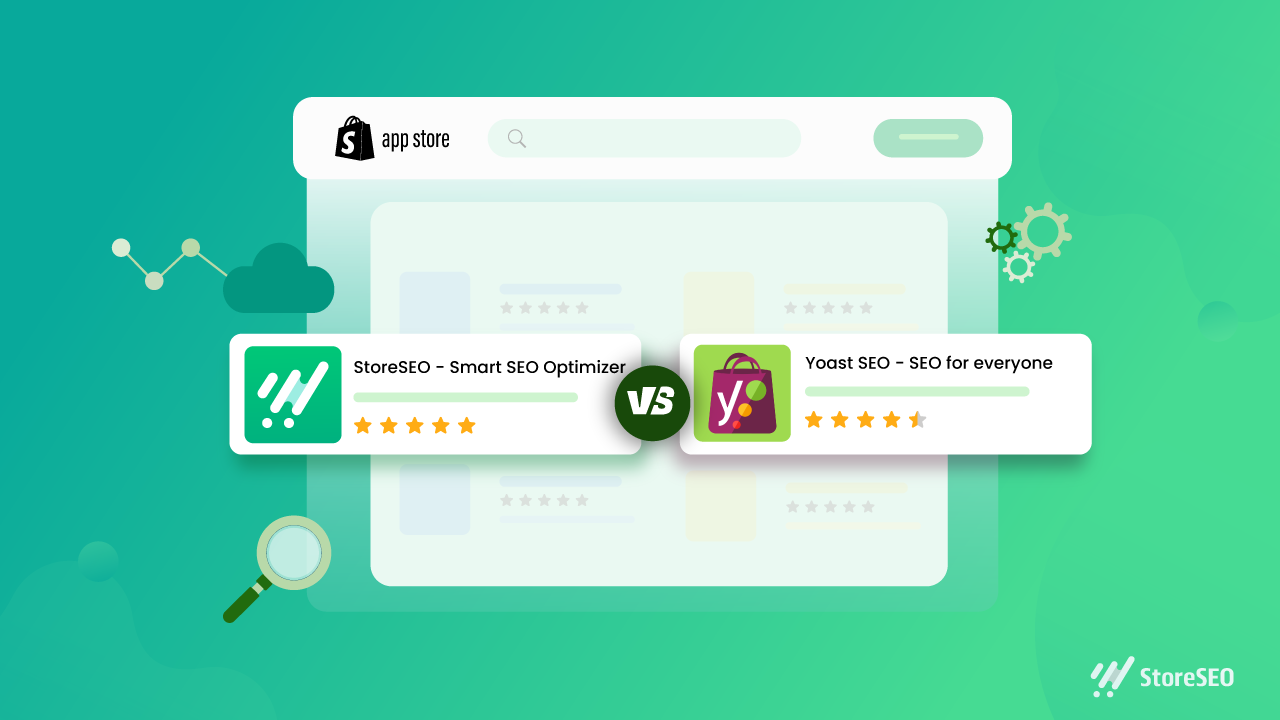
Yoast SEO for Shopify: A Practical Guide to Optimising Your Online Store
Yoast SEO for Shopify: A Practical Guide
Search engine optimisation (SEO) helps potential customers discover your Shopify store through search engines. Yoast SEO for Shopify is an app designed to make some SEO tasks easier, including improving page content, editing search previews and adding structured data. It can be a useful tool, but it works best as part of a broader strategy that includes useful content, a well-organised store and a good customer experience.
What is Yoast SEO for Shopify?
Yoast SEO for Shopify is an SEO app for Shopify stores. It provides guidance while you work on pages and products, helping you review elements such as page titles, meta descriptions and content. Depending on the app’s current features and your store setup, it can also help with technical SEO and structured data.
It is separate from Yoast SEO for WordPress. Shopify already manages some technical features, such as generating an XML sitemap and creating canonical URLs for many pages. An SEO app complements Shopify’s built-in tools; it does not replace them or automatically guarantee better rankings.
What can Yoast SEO help you with?
Search titles and meta descriptions
Search titles and meta descriptions help describe a page in search results. Yoast can help you draft and review these elements. Aim to make each one accurate, distinctive and appealing to searchers. Include relevant terms naturally, but avoid repeating keywords simply to influence rankings.
Product and collection content
Product and collection pages are central to most online shops. SEO guidance can help you spot opportunities to improve their text, but the most important thing is to give customers information they actually need. Describe a product’s features, materials, sizing, uses and care instructions where relevant. For collection pages, add a concise introduction that explains what shoppers will find.
Readability
Readability checks can highlight long sentences, dense paragraphs or other aspects of copy that may be difficult to follow. Treat these checks as prompts rather than strict rules: clear, natural writing is more valuable than changing good copy just to achieve a particular score.
Structured data
Structured data gives search engines information about the content of a page. Depending on the app’s configuration, Yoast may add structured data to eligible store pages. This can help search engines interpret your products and other content, but it does not guarantee enhanced listings or special placements in search results.
How to use Yoast SEO for Shopify
- Install the app from the Shopify App Store. Review its current features, pricing and compatibility before installing.
- Check your store settings. Make sure your store name, domain and other business details are correct, and review any guidance provided during setup.
- Start with important pages. Prioritise key products, collections and informational pages rather than trying to optimise everything at once.
- Review the page title and meta description. Write a clear, accurate summary that reflects the page and gives customers a reason to visit.
- Improve the page content. Make descriptions distinctive and helpful. Avoid copying manufacturer text across multiple products.
- Check images and links. Use descriptive file names and alternative text where appropriate, and ensure important pages are linked clearly within your store.
- Preview and publish your changes. Check how the page appears on your storefront and, where available, in search and social previews.
Best practice for Shopify SEO
- Do keyword research. Find out how your customers describe the products and problems you serve. Use those insights to shape pages, not to stuff them with repeated phrases.
- Write original product copy. Helpful details can distinguish your store from competitors selling similar products.
- Keep your site easy to navigate. Use sensible collections, clear menus and descriptive links so customers and search engines can understand your store’s structure.
- Optimise images thoughtfully. Use relevant image names and alt text, and make sure files are not unnecessarily large, as page speed affects the shopping experience.
- Review mobile usability. Check that product information, menus, images and checkout are easy to use on a phone.
- Monitor performance. Use tools such as Google Search Console and Shopify analytics to track search visibility, traffic and sales. Allow time for changes to be crawled and assessed.
Things to keep in mind
An SEO app can make optimisation more manageable, but it cannot compensate for thin content, confusing navigation or products that do not meet customer needs. Automated recommendations are not always right for every page, so use your judgement and check important changes before publishing.
Also avoid installing several apps that perform the same SEO tasks. Overlapping apps can create duplicated or conflicting metadata and structured data. If you change apps or themes, review key pages afterwards to make sure titles, descriptions and other SEO elements are still working as intended.
Is Yoast SEO for Shopify worth using?
Yoast SEO for Shopify may be useful if you want guided checks and a more structured process for improving your store’s content and search presentation. Its value depends on your needs, budget and how consistently you act on its recommendations. It is not essential for every Shopify store, and installing it alone will not deliver higher rankings.
For the best results, use Yoast as a practical aid: create genuinely useful product and collection pages, keep the store technically sound, and review performance over time. A well-maintained Shopify store gives both customers and search engines a clearer understanding of what you offer.
8 Essential Tips for Optimising Shopify with Yoast SEO
- Install the Yoast SEO app from the Shopify App Store.
- Write a unique SEO title for every product and page.
- Keep meta descriptions clear, concise and inviting.
- Use your main search phrase naturally in product copy.
- Add descriptive alt text to product images.
- Use Yoast’s feedback to improve readability and SEO.
- Review SEO titles and descriptions before publishing.
- Check redirects when changing product or page URLs.
Install the Yoast SEO app from the Shopify App Store.
To get started with Yoast SEO for Shopify, install the app from the Shopify App Store. Before installing, check that it suits your store’s needs, review its current features and pricing, and confirm it’s compatible with your Shopify setup. Once installed, follow the app’s setup guidance and review its recommendations before making changes to your pages.
Write a unique SEO title for every product and page.
Write a unique SEO title for every product and page in your Shopify store so customers and search engines can quickly understand what each one offers. Include the main topic or product name naturally, and make each title specific to that page rather than reusing a generic template. A clear, accurate title can help your page stand out in search results and attract more relevant visitors.
Keep meta descriptions clear, concise and inviting.
Keep your meta descriptions clear, concise and inviting. Summarise what shoppers will find on the page, highlight a useful benefit and give them a reason to click. Write a unique description for each important product or collection page, use natural language, and avoid awkwardly packing in keywords. Search engines may choose to display different text, but a well-written description can still help your listing stand out in search results.
Use your main search phrase naturally in product copy.
Use your main search phrase naturally in your product copy so customers and search engines can quickly understand what you’re selling. Include it where it fits—such as in the product description or a relevant heading—but prioritise clear, persuasive writing over repetition. Explain the product’s features and benefits in your own words, and use related terms only when they add useful detail. Avoid keyword stuffing, which can make descriptions awkward and less helpful to shoppers.
Add descriptive alt text to product images.
Add descriptive alt text to your product images so people using screen readers can understand what each image shows, and search engines can better interpret its context. Keep the text concise and specific: describe the product and any important visible details, such as its colour, style or material. For example, “Navy blue cotton shirt with a button-down collar” is more useful than “shirt image”. If an image is purely decorative and adds no information, leave the alt text blank where your Shopify theme allows it.
Use Yoast’s feedback to improve readability and SEO.
Use Yoast’s feedback as a guide to make your Shopify content clearer and easier to read. Its suggestions can highlight long sentences, dense paragraphs and opportunities to use relevant search terms naturally. Treat the checks as helpful prompts rather than strict rules: prioritise useful, accurate copy for your customers, and avoid awkward phrasing or keyword stuffing just to improve a score.
Review SEO titles and descriptions before publishing.
Review your SEO titles and meta descriptions before publishing each Shopify page. Make sure the title clearly describes the page and includes the main search term naturally, while the description gives shoppers a concise, accurate reason to click. Keep both unique across your store, avoid keyword stuffing, and check that they read well on search results pages.
Check redirects when changing product or page URLs.
When changing a product or page URL in Shopify, set up a redirect from the old address to the new one. This helps customers who follow an existing link reach the right page and guides search engines to its updated location, reducing the risk of broken links and lost traffic. Check that the redirect works correctly after publishing, and avoid redirecting unrelated URLs to your homepage.